A Complete Guide to Understanding Shared Inbox Software for Team Collaboration
Shared inbox software is a digital communication tool that allows multiple team members to access, manage, and respond to messages from a single centralized inbox. Unlike traditional email accounts that are managed by one individual, a shared inbox enables teams to collaborate on incoming messages such as customer inquiries, support requests, or internal communications.
As organizations grew and communication channels expanded, managing messages through individual email accounts became inefficient. Teams often faced challenges such as duplicated responses, missed messages, and lack of visibility into ongoing conversations. Shared inbox software was developed to address these issues by providing a unified platform for team-based communication.
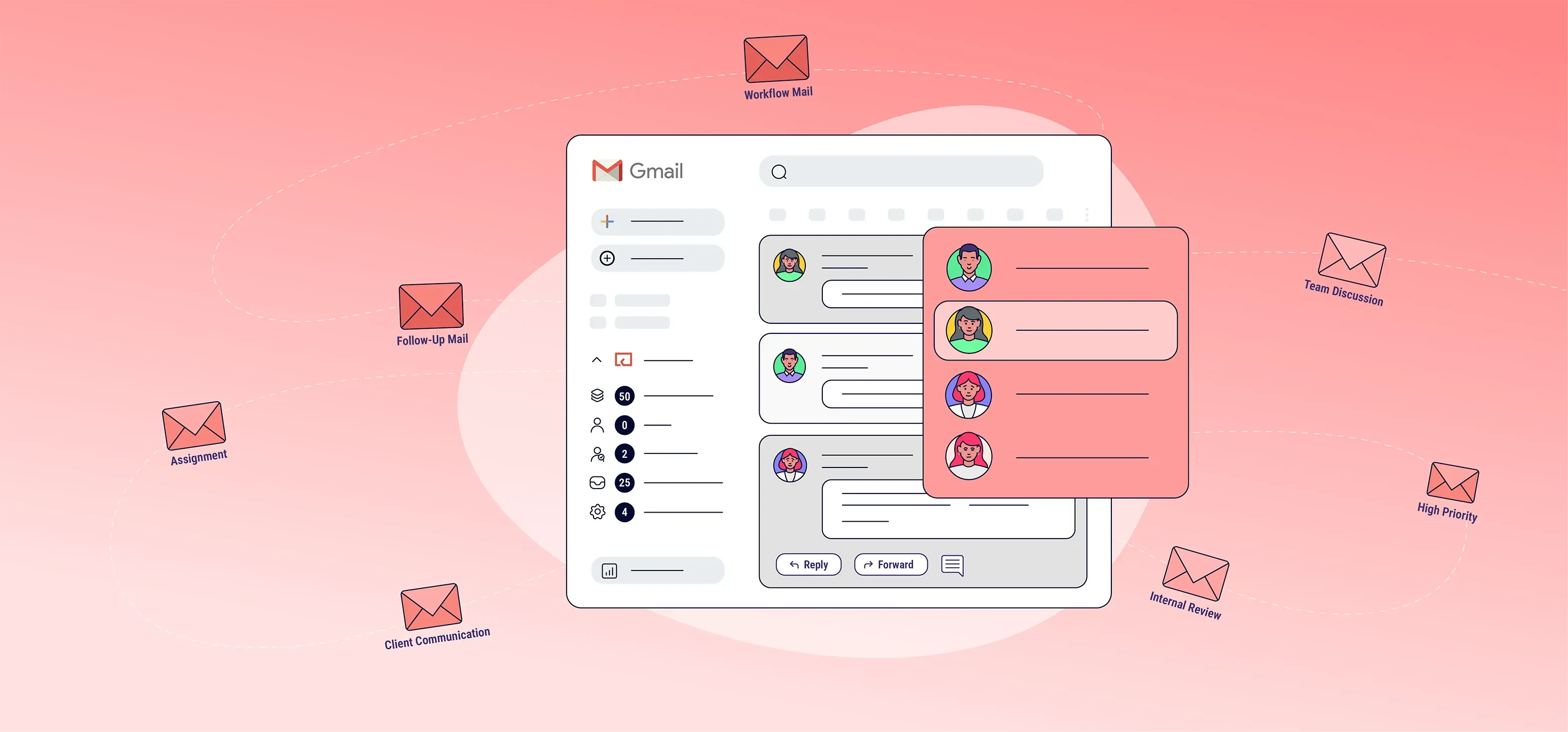
These systems are commonly used in customer support, sales, operations, and administrative teams. They are designed to handle messages from various channels, including email, chat platforms, and social media, and bring them into one organized interface.
Typical features of shared inbox software include:
centralized inbox for team access
assignment of conversations to team members
internal notes and collaboration tools
message status tracking
automation rules for routing messages
integration with other business tools
The following table illustrates key components of shared inbox systems.
| Component | Purpose in Team Collaboration |
|---|---|
| Shared Inbox Interface | Central location for all incoming messages |
| Assignment System | Allocates messages to team members |
| Internal Notes | Enables team communication within threads |
| Automation Rules | Routes messages based on criteria |
| Activity Tracking | Monitors message handling progress |
These components help teams manage communication workflows more effectively.
Importance of Shared Inbox Software in Team Collaboration
Effective communication is essential for teamwork, especially in environments where multiple people handle incoming messages. Shared inbox software plays an important role in improving how teams coordinate and respond to communication.
Several factors highlight the importance of shared inbox systems in modern organizations.
Improved Visibility of Communication
With a shared inbox, all team members can see incoming messages and ongoing conversations. This visibility reduces confusion and ensures that everyone is aware of communication activity.
Avoidance of Duplicate Responses
In traditional email systems, multiple team members may respond to the same message without coordination. Shared inbox software prevents this by assigning conversations and showing who is handling each message.
Efficient Task Assignment
Messages can be assigned to specific team members based on roles or expertise. This helps ensure that inquiries are handled by the appropriate person.
Enhanced Team Collaboration
Internal notes and tagging features allow team members to collaborate within the platform without exposing internal communication to external contacts.
The following table highlights common communication challenges and how shared inbox software addresses them.
| Communication Challenge | Role of Shared Inbox Software |
|---|---|
| Missed messages | Centralizes all incoming communication |
| Duplicate replies | Tracks message ownership |
| Lack of coordination | Enables team collaboration tools |
| Delayed responses | Assigns tasks efficiently |
| Limited communication tracking | Provides message history and status |
These capabilities help teams maintain organized and efficient communication workflows.
Recent Updates and Trends in Shared Inbox Technology
Shared inbox software has evolved as organizations adopt modern communication tools and digital collaboration platforms. Several trends observed during 2024 and 2025 have influenced how these systems are used.
Integration with Collaboration Platforms
Shared inbox systems are increasingly integrated with collaboration tools such as project management platforms and team messaging systems. This integration allows teams to manage communication alongside other workflows.
Use of Artificial Intelligence for Message Routing
AI-powered features are being introduced to automatically categorize and route messages based on content and intent. These systems help prioritize messages and assign them to the appropriate team members.
Expansion of Omnichannel Communication
Shared inbox platforms now support communication from multiple channels, including email, live chat, and social media. This unified approach helps teams manage all interactions from a single interface.
Focus on Real-Time Collaboration
Modern platforms emphasize real-time collaboration features such as live updates, typing indicators, and shared drafts. These features help teams coordinate responses more effectively.
The following chart summarizes key trends in shared inbox technology.
| Technology Trend | Impact on Shared Inbox Systems |
|---|---|
| AI-based routing | Automated message categorization |
| Omnichannel support | Unified communication management |
| Real-time collaboration | Improved team coordination |
| Platform integration | Connected business workflows |
These trends demonstrate how shared inbox systems are becoming more advanced and integrated.
Laws and Policies Affecting Shared Inbox Systems
Shared inbox software often involves handling communication data, including personal and organizational information. As a result, organizations must comply with various regulations related to data protection and communication practices.
Data Protection and Privacy Regulations
Shared inbox systems store messages that may contain personal data. Data protection laws regulate how this information is collected, stored, and processed.
Examples include:
| Region | Data Protection Regulation |
|---|---|
| European Union | General Data Protection Regulation (GDPR) |
| India | Digital Personal Data Protection Act (DPDP Act 2023) |
| United States | Various state-level privacy laws |
Organizations must ensure that data is handled securely and with appropriate consent.
Communication Transparency Requirements
Consumer protection laws require organizations to provide clear and accurate communication. Shared inbox systems help maintain records of communication, supporting transparency.
Data Retention Policies
Organizations may need to retain communication records for compliance or operational purposes. Shared inbox software often includes features for storing and organizing message history.
Industry-Specific Regulations
Certain industries, such as finance and healthcare, may have additional requirements for managing communication data and ensuring confidentiality.
These regulations help ensure responsible use of shared communication systems.
Tools and Resources for Shared Inbox Management
Organizations use various tools and platforms to implement shared inbox systems and improve team collaboration.
These tools support communication management and workflow coordination.
Shared Inbox Platforms
Dedicated shared inbox platforms provide centralized systems for managing team communication and assigning tasks.
Customer Relationship Management Systems
CRM systems integrate with shared inbox software to provide context about customers and communication history.
Team Collaboration Tools
Collaboration platforms support internal communication and coordination among team members working within shared inbox systems.
Automation and Workflow Tools
Automation tools help route messages, assign tasks, and trigger actions based on predefined rules.
The following table summarizes commonly used tools in shared inbox environments.
| Tool Category | Purpose |
|---|---|
| Shared inbox platforms | Managing team communication |
| CRM systems | Storing contact and interaction data |
| Collaboration tools | Supporting internal teamwork |
| Automation tools | Streamlining workflows |
| Analytics dashboards | Monitoring communication performance |
These resources help organizations build efficient communication systems.
Frequently Asked Questions
What is shared inbox software?
Shared inbox software is a tool that allows multiple team members to access and manage messages from a single inbox.
How does it improve team collaboration?
It centralizes communication, assigns tasks, and provides visibility into message handling, which helps teams coordinate effectively.
Can shared inbox software handle multiple communication channels?
Yes. Many platforms support email, chat, and social media messages within a single interface.
What are internal notes in shared inbox systems?
Internal notes allow team members to communicate within message threads without sharing that information with external contacts.
Is shared inbox software secure?
Most systems are designed to comply with data protection regulations and include security features to protect communication data.
Final Thoughts
Shared inbox software has become an important tool for managing team communication in modern organizations. By centralizing messages, enabling collaboration, and improving workflow efficiency, these systems help teams handle communication more effectively.
Recent developments such as artificial intelligence, omnichannel integration, and real-time collaboration features have further enhanced the capabilities of shared inbox platforms.
At the same time, regulatory frameworks related to data protection and communication transparency ensure that these systems are used responsibly.
As organizations continue to prioritize efficient communication and teamwork, shared inbox software will remain a key component in supporting collaborative work environments.

You may also like...


Discover How Phone Support Software Improves Call Handling and Customer Experience
Last Update: March 17, 2026
Read
Discover How Live Chat Support Software Improves Real Time Customer Communication
Last Update: March 17, 2026
Read